Display important facts, quotes or information about your project within stylish boxes available in both the main body of the project and the sidebar.
Use icons and various colour and border options to match your branding and bring your information to life.
Bring out important information from your documents or FAQs and present them in these highly visual boxes within your project page.
See Client Examples of theFact Box Tool
Fact Box Tool
Display one, two or three fact boxes in a row in the main body of your project
Visually show your stakeholders the important facts
Share stakeholder or company quotes
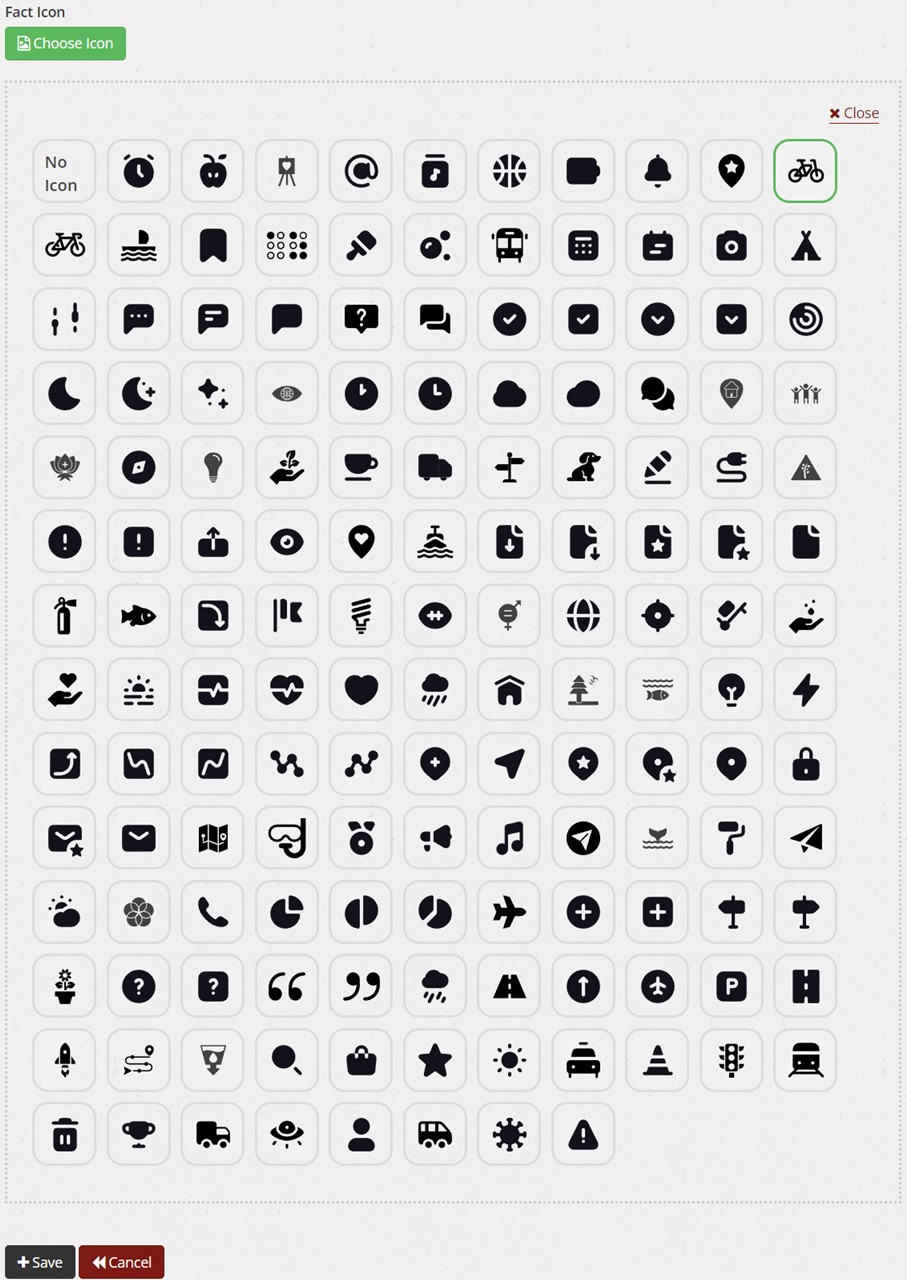
Choose from 150 icons or to have no icon
Choose from a large selection of icons:
Your Language
This is our language translator widget which you can select to display on every project page. Add optional text here such as language translation options.
Sidebar Fact Box Tool
Use the sidebar fact box tool to share important information or quotes
Display facts, quotes or information in the sidebar easily with this visual tool. Choose from over 150 icons and match your brand colours
Design your fact box with either a background colour or a border, with or without an icon.